Stablecoin wallets in Colombia: types, risks and how to choose
VIIO
Publish date: 11/6/2026
Last updated: 11/6/2026
A stablecoin wallet is the app or device where you hold digital dollars like USDC or USDT so you can receive, send or spend them. In Colombia there are two main types: custodial apps, where you log in with your username and the company (or a third party it hires) holds the assets, and self-custody wallets, where only you control access. Neither one is better for everyone. What changes is who can help you if something goes wrong, which token and which network you can use, and what it costs to move your dollars to another wallet.
The essentials, fast
What type of wallet do I need? If you want to log in with a username and password, receive payments and use a card, a custodial app. If you want to manage the keys yourself and take on all the responsibility, a self-custody wallet.
What should I check before choosing? Which token you actually hold, which networks you can receive and send on, how much it costs to send, what ID they ask for, and how you get your access back if you lose your phone.
Are they protected like a deposit? No. The Superintendencia Financiera (Colombia’s Financial Superintendence) does not regulate or supervise crypto-asset platforms, and these assets have no deposit insurance. If you’re looking for a place to keep part of your money in dollars, we compare options in this guide: how to save in dollars from Colombia.
What is a stablecoin wallet, and what does it actually hold?
Stablecoins are digital assets designed to be worth 1 US dollar. Two of the best known are USDC, issued by Circle, and USDT, issued by Tether; in our guide USDC vs USDT we explain how they differ. According to the Banco de la República (Colombia’s central bank), crypto assets are not legal tender or foreign currency.
A wallet doesn’t hold coins the way a pocket does. According to the US SEC, what it controls is the private key, which proves the assets are yours and lets you send them, and the public key, which works as the address people pay you to. Whoever controls the private key can move the funds.
On top of that, each stablecoin exists on several networks, such as Tron, Ethereum, Polygon, Solana or Base. An address belongs to one asset on one network: as ARQ explains, "a USDc address on Polygon is not the same as a USDT address on Polygon, even though both use Polygon."
Keep in mind that a stablecoin wallet is not a US dollar bank account. If an account is what you’re looking for, see our guide on the dollar account in Colombia.
Custodial or self-custody wallet: what changes for you?
In a custodial app you don’t manage a recovery phrase: you log in with your username and credentials, and the assets are held by the company or a third party it hires. Each app explains in its terms who holds them and what happens if something fails. In a self-custody wallet, such as Trust Wallet, MetaMask, Exodus or a Ledger device, the wallet gives you a recovery phrase, usually 12 or 24 words long (some, like MetaMask, also let you log in with Google, Apple or Telegram), and only you have access. Wenia sums it up with a simple image: the first is like a safe-deposit service a third party provides; the second, like having your own safe.
| What happens if... | Custodial app and self-custody wallet |
| You lose your phone | Custodial app: you follow the app’s recovery process. Wenia, for example, asks you to lock the account and verify your identity with facial recognition. Self-custody: if you have your recovery phrase (or the access method you set up), you restore the wallet on another device |
| You forget your password or lose your phrase | Custodial app: you follow the app’s recovery process. Self-custody: according to MetaMask, Trust Wallet and Exodus, if you lose the phrase no one can recover it for you and you lose the funds |
| The company shuts down or fails | Custodial app: according to the SEC, if the custodian is hacked, shuts down or goes bankrupt, you could lose access. Check what each app’s terms say. Self-custody: you don’t depend on a company for access, but you do depend on your device and your phrase |
| You pick the wrong network or address | Custodial app: usually the funds can’t be recovered, although some apps try, with no guarantee. Self-custody: usually there’s no way to recover them |
| Someone asks for your phrase or password | Custodial app: there’s no phrase to share, but be wary of anyone who asks for passwords or codes outside the app. Self-custody: don’t share it with anyone: MetaMask and Ledger say they will never ask you for it |
As Wenia puts it, "each option has its advantages." In a custodial app you have someone to ask for help, but you depend on that company; with self-custody the control is yours, and so is the responsibility.
Self-custody wallets can also be hot (apps connected to the internet, more convenient but more exposed) or cold (a device that isn’t connected, less convenient and meant for storage). Ledger recommends never typing a device’s phrase into a software wallet or storing it in the cloud.
Which wallets do people in Colombia use, depending on what you need?
If you don’t have digital dollars yet, this guide explains how to buy them in Colombia. These are some options by use case, in alphabetical order and based on what each one says on its official pages:
| If you need to... | Options and what to check |
| Hold digital dollars from your bank’s app or from Nequi | Options: Wenia, also from Nequi or Mi Bancolombia. What to check: Wenia holds the assets even if you access it from another app. It works with USDW, its own digital dollar: it converts the USDC or USDT you receive into USDW and, when you send, the recipient receives USDC. From external wallets, it only receives from ones that are yours; from other Wenia accounts it can receive from third parties |
| Sign up with a passport, PPT (Colombia’s temporary protection permit) or foreigner ID (cédula de extranjería) | Options: ARQ (residents with a local ID), Global66 (cédula de extranjería), Littio (passport), VIIO (passport, cédula de extranjería or PPT). What to check: Wenia only accepts a physical Colombian citizen ID (cédula). More details in our guide for foreigners and digital nomads |
| Receive digital dollars from another person or a platform | Options: Global66, Littio, VIIO. What to check: that the app accepts that token on the network the person paying you uses. To get paid by clients or platforms, see our guide to receiving payments from abroad |
| Send to another wallet | Options: Bitso, Global66, Littio, VIIO. What to check: which token you can send and on which network. Littio only lets you send to USDC wallets, with a 1% fee. Global66 sends USDT on Tron or Ethereum and USDC on Ethereum, Base, Polygon or Solana |
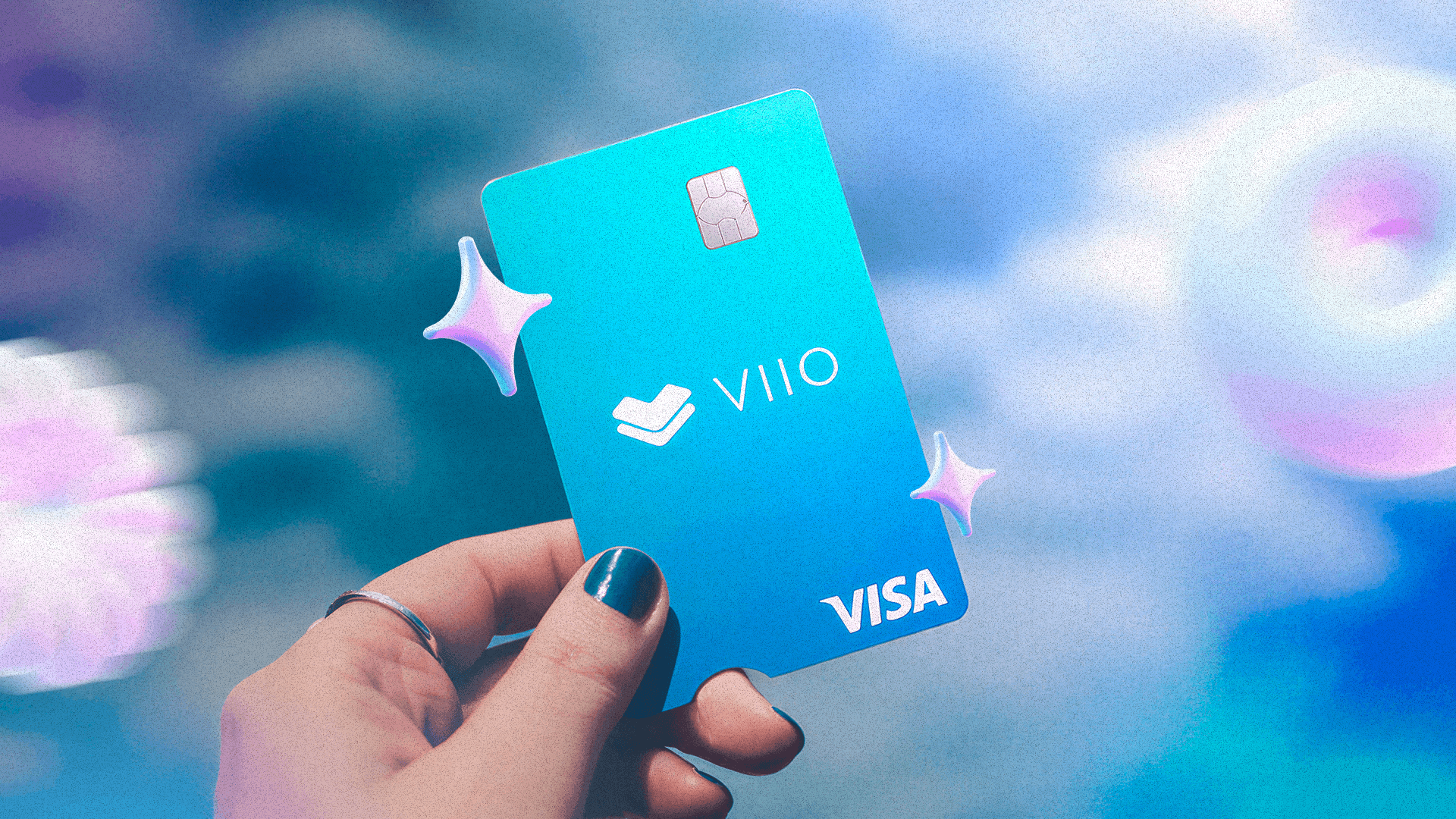
| Spend with a card | Options: Littio (Mastercard), VIIO (VIIO Visa Card). What to check: issuance and usage costs. More in our guide to the digital dollar card |
| Hold the keys yourself | Options: Exodus, Ledger, MetaMask, Trust Wallet. What to check: that you store the phrase offline and that the wallet supports the network you’re going to use |
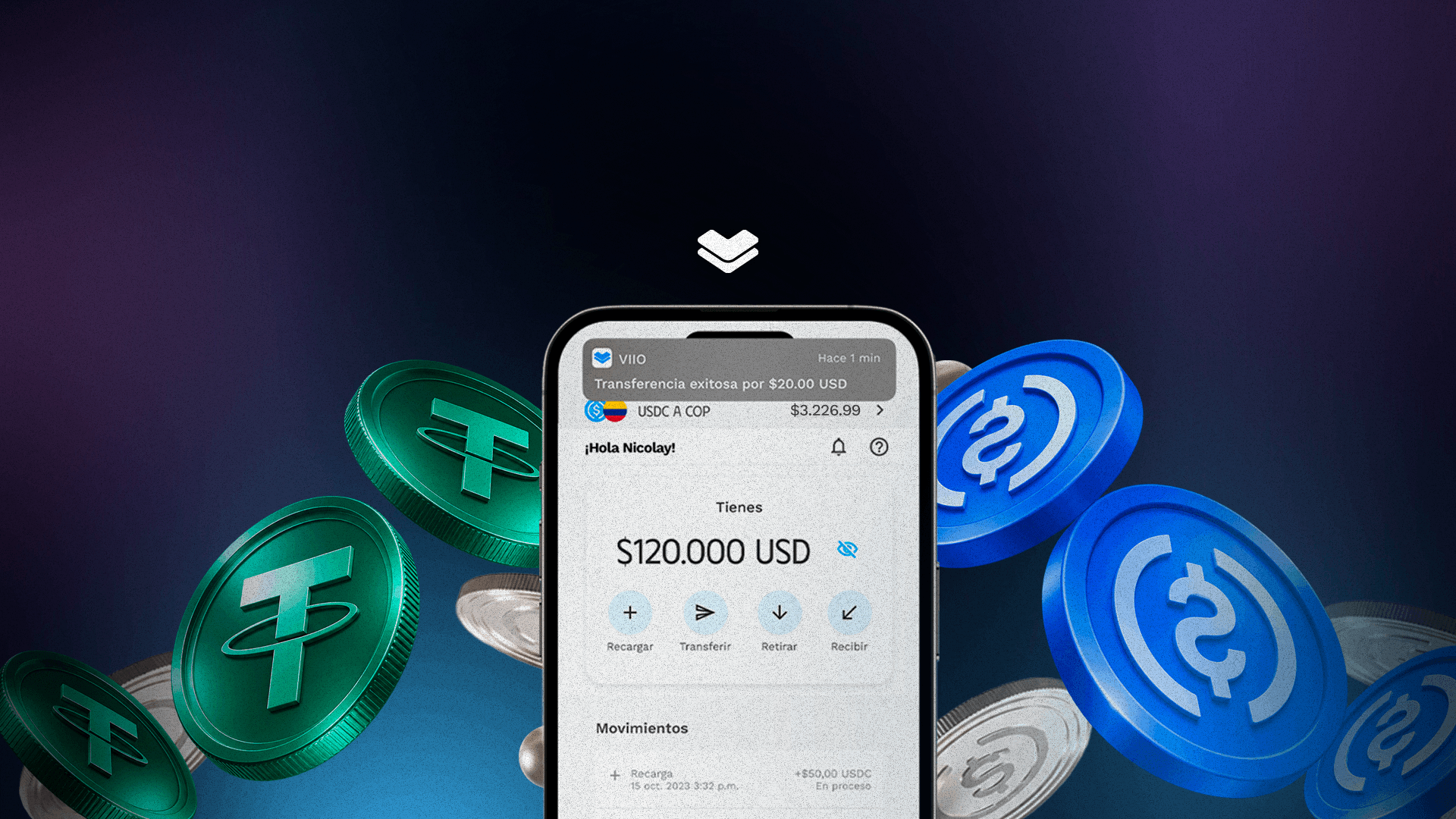
VIIO. With VIIO you can receive money with your QR code or, if you’re paid from outside VIIO, with your wallet address; send to other wallets; transfer for free to other VIIO accounts; spend with your VIIO Visa Card; and withdraw to a bank account. You can also deposit USDC or USDT on the Polygon network. When you send to an external wallet, sending on Polygon is free; on Tron and the other available networks, the fee is the greater of USD 5 or 0.3% of the amount, and you see the applicable fee before you confirm. If you lose your phone or it’s stolen, contact VIIO’s support team through its official channels for guidance on how to protect your account and regain access. To open your account you can use a Colombian citizen ID (cédula) or an ID document from your country of residence, a passport, a cédula de extranjería or a PPT. VIIO is not a financial institution, does not take deposits from the public under Colombian law, and is not supervised by the Superintendencia Financiera de Colombia (Colombia’s Financial Superintendence). The digital assets available on VIIO are not legal tender or foreign currency, and they are not covered by FOGAFÍN or any government guarantee. The VIIO Visa Card is operated by Persimon S.A.S.
Which network should you use, and what happens if you get it wrong?
You and the person paying you have to use the same token on the same network. If someone sends you USDT on Tron to an address that only receives USDC on Polygon, the money can be lost. Bitso puts it this way: sending to the wrong network "is the most common way to lose cryptocurrency permanently."
Three things to check on every transfer:
- The network and the cost. The cost of sending depends on the app and the network. At VIIO, for example, sending USD 1,000 in USDT on Tron costs USD 5, and on Polygon it’s free; at Littio, sending USDC costs 1% of the amount. Network fees change often, so confirm them in the app before you send.
- Gas, if you use your own wallet. In a self-custody wallet, you generally pay the network fee with that network’s native token. MetaMask explains it this way: on Ethereum you need ETH, on BNB Chain you need BNB, and on Polygon you need POL. To send USDT on Tron you need some TRX, according to Tron’s documentation. In apps like Global66, the sending fee already includes the network cost.
- The memo or tag. Some networks and platforms ask for a label in addition to the address. Binance warns that a deposit without the required memo or tag "will not be credited" and that recovery is not guaranteed.
Also, USDC and USDT aren’t on every network: Circle stopped issuing USDC on Tron in 2024, and Tether stopped issuing USDT on networks such as Omni, EOS or Algorand.
Can your stablecoins be frozen or held?
Yes, and not only by apps. Issuers can also act on the tokens:
- Circle (USDC). Its terms say it reserves the right to block USDC transfers to and from an address, and that it may have to freeze USDC if it receives a legal order from an authority.
- Tether (USDT). Its terms allow it to freeze USDT and block addresses that hold it, including in wallets that aren’t Tether’s.
- Apps. Some apps, according to their terms, can also hold or return funds, for example when their origin can’t be proven. At VIIO, digital asset transactions are analyzed with Elliptic; if the source of funds can’t be verified, VIIO can hold or return them.
That’s why it pays to be skeptical of claims like "no one can freeze your funds": a self-custody wallet keeps the wallet company from moving them, but it doesn’t change the token issuer’s rules.
What should you check before choosing a wallet?
- Who holds the keys: the app or you? This defines who can help you and what happens if you lose access.
- Who operates the app, and what does its legal notice say? Look up the company, the country where it’s incorporated and who supervises it. Global66 is a good example of why to read it: according to its legal notice, only its peso e-deposit is supervised by the Superintendencia Financiera and covered by FOGAFÍN (Colombia’s deposit insurer); the balances in its crypto-asset wallet are held in custody by another company.
- Which token do you actually hold? USDC, USDT or the app’s own digital dollar, like USDW at Wenia.
- Which networks do you receive and send on, and how much does it cost? Check the app’s fee schedule.
- Can you move your dollars to another wallet, and in which token? Not every app lets you send everything it receives.
- Can you receive from other people? Wenia, for example, only receives from external wallets that are yours.
- What ID do they ask for? Key if you’re a foreigner.
- How do you regain access if you lose your phone or your phrase?
- What happens if the app shuts down or fails? The SEC suggests asking what happens in that case.
- Does the app lend out or commingle your assets? This is another of the questions the SEC recommends; the answer is usually in the terms.
- How does it protect you from scams? Suspicious-address alerts, an address book and clear support channels.
- How do you convert your dollars to pesos? At VIIO, for example, you can withdraw to a bank account in Colombian pesos, dollars or euros.
What scams are common, and how do you avoid them?
- Address poisoning. The scammer sends you a near-zero-value transaction from an address that looks like one you use, so that you copy it from your history. MetaMask recommends also checking the characters in the middle of the address, not just the beginning and end, and using an address book.
- Fake support. Don’t share your recovery phrase with anyone. MetaMask and Ledger say they will never ask you for it; Bitso says it never asks for your login details by phone, social media or direct message; and VIIO does not ask for sensitive information outside the app or its support channel.
- Fake tokens. Bitso recommends comparing the token’s contract address on a blockchain explorer with the issuer’s official page and, if something doesn’t match, not buying, selling or transferring that token.
- Phrase stored online. Don’t store the phrase in photos, emails or the cloud. Exodus recommends keeping it offline, on paper, and Ledger recommends not storing it in cloud services.
The Superintendencia Financiera has a page on crypto-asset scams with tips and how to report them.
What does regulation in Colombia say, and what does the DIAN require to be reported?
- They’re not money. According to the Banco de la República, crypto assets are not legal tender or foreign currency.
- No Superintendencia Financiera supervision. The Superintendencia Financiera says that crypto-asset platforms are not regulated by Colombian law or subject to its control, supervision or inspection, that they have no private or government guarantee of any kind and no deposit insurance, and that their value could drop sharply and even go to zero.
- Reporting to the DIAN. Starting with tax year 2026, crypto-asset service providers with a presence in Colombia must report information about their users and transactions to the DIAN (Colombia’s tax authority) no later than the last business day of May of the following year (Resolution 227 of 2025, amended by Resolution 240 of 2025). The DIAN treats crypto assets as intangible assets. If you have questions about your tax return, talk to an accountant.
Frequently asked questions
What’s the best stablecoin wallet in Colombia? It depends on what you’ll use it for. If you want to receive payments, use a card and log in with a username and password, compare custodial apps; if you want to manage the keys yourself, a self-custody wallet. Either way, check the token, the networks, the sending costs, the ID they ask for and how you regain access.
Can I move my digital dollars from an app to my own wallet? Yes, if the app lets you send to external wallets in the token and on the network your wallet supports. Before you send, confirm the network, the fee and, if applicable, the memo or tag.
What happens to my stablecoins if I lose my phone? In a custodial app, you follow the app’s recovery process. In a self-custody wallet, you need your recovery phrase or the access method you set up; without it, according to MetaMask, Trust Wallet and Exodus, there’s no way to recover the funds.
Are stablecoin wallets covered by FOGAFÍN insurance? No. The Superintendencia Financiera warns that crypto-asset transactions are not covered by deposit insurance. Even in apps that also offer peso products, like Global66, protection can vary by product.
Note from our team: this content is for information only and is not financial, tax or legal advice. Each app’s fees, networks and conditions change often; they are dated, and it’s best to confirm them directly with each app before you decide.
Sources
- SEC (United States): Crypto Asset Custody Basics for Retail Investors, December 12, 2025
- Wenia: What are custodial and non-custodial wallets?
- Wenia: Who holds my digital assets when I use them from another app?
- Wenia: Why are USDC and USDT converted to USDW?
- Wenia: Can I receive assets from another person’s account?
- Wenia: Which documents can I sign up with?
- Wenia: I lost access to my account or my phone was stolen. What do I do?
- MetaMask: How to secure your Secret Recovery Phrase and password
- MetaMask: Basic safety and security tips
- MetaMask: How gas fees, limits, and network fees work
- MetaMask: Address poisoning scams
- Trust Wallet: Lost recovery phrase or private key
- Exodus: Everything you need to know about your 12-word secret key
- Ledger: Ongoing phishing campaigns
- Ledger Academy: What Is a Seed Phrase?
- TRON: Resource Model
- Circle: USDC Terms
- Circle: discontinuing support for USDC on TRON
- Tether: Legal (Terms of Service)
- Tether: Supported Protocols
- Bitso: How to deposit cryptocurrency into Bitso
- Bitso: How to spot a fake token using a blockchain explorer
- Bitso: Bitso never asks for your login details
- Bitso: Colombia fee schedule
- Binance: Frequently asked questions about incorrect deposits
- ARQ: Withdraw crypto from your account
- ARQ: Does it work for foreigners?
- Global66: Stablecoin account (Cuenta Stablecoins)
- Littio: How do I withdraw via blockchain?
- Littio: How do I create my Littio account?
- Littio: How do I top up my account via blockchain?
- Littio: Littio card
- Superintendencia Financiera de Colombia: June 27, 2024 statement on crypto-asset platforms
- Superintendencia Financiera de Colombia: Circular Letter (Carta Circular) 52 of 2017
- Superintendencia Financiera de Colombia: Crypto-asset and forex scams
- Banco de la República: Opinion (Concepto) JD-S-CA-03422-2023
- DIAN: Resolution 227 of 2025
- DIAN: Opinion (Concepto) 5146 of 2026
- VIIO: Which digital assets does VIIO use?
- VIIO: How do you transfer funds from VIIO to another crypto wallet?
- VIIO: How do you receive money in your VIIO account by QR code or address?
- VIIO: What are the requirements to open a VIIO account?
- VIIO: Which currencies can you withdraw in from VIIO?
- VIIO: Rates and fees
- VIIO: Receiving money via wallet address
- VIIO: Terms and conditions